Choose Tickets in the menu.
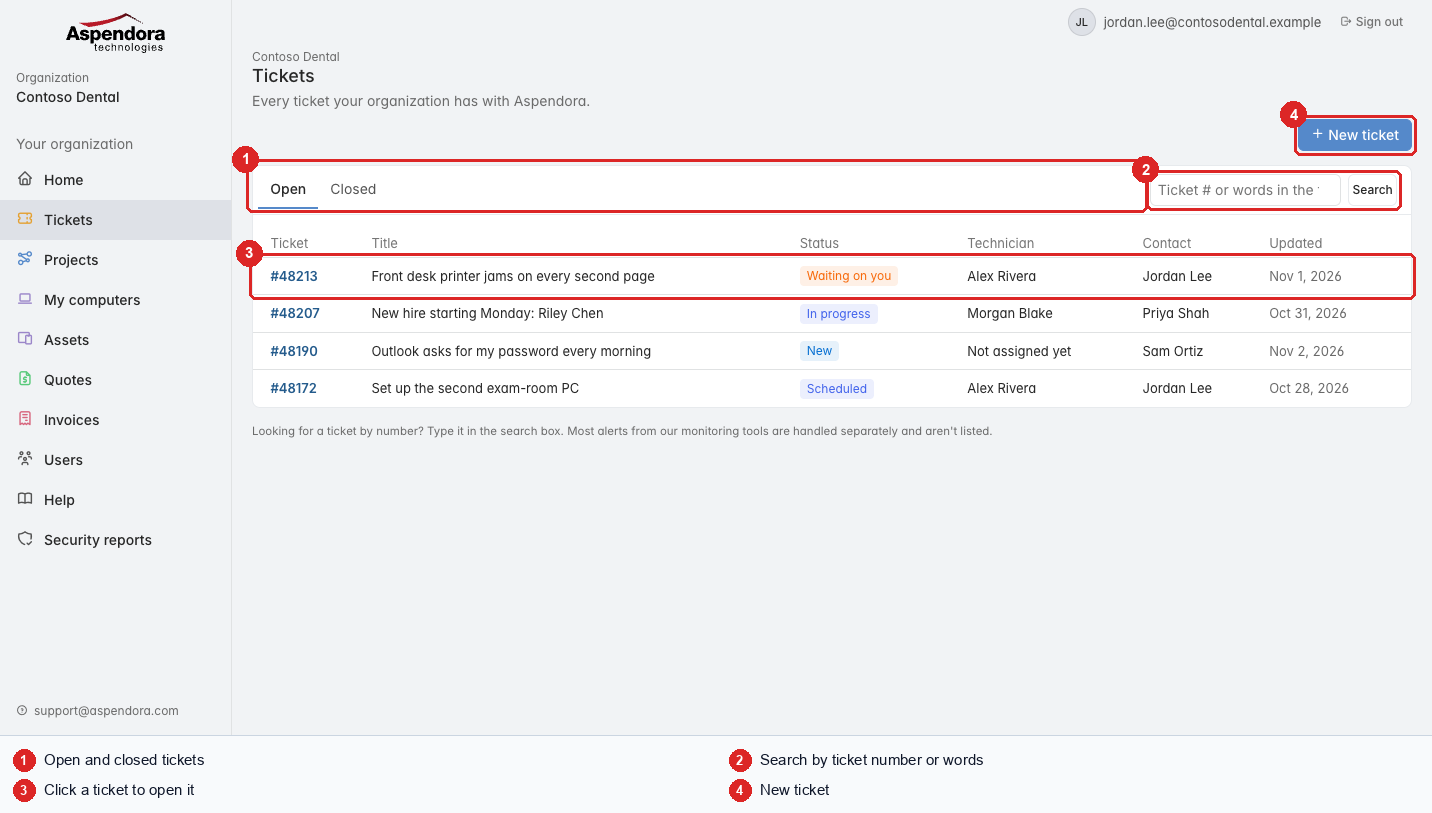
- Open and Closed tabs.
- Search: type a ticket number (like
48213) to jump straight to it, or words from the title. - Each row shows the ticket number, title, status, the technician working on it, the contact, and when it was last updated. Choose a ticket to open it.
- New ticket to ask for something new.
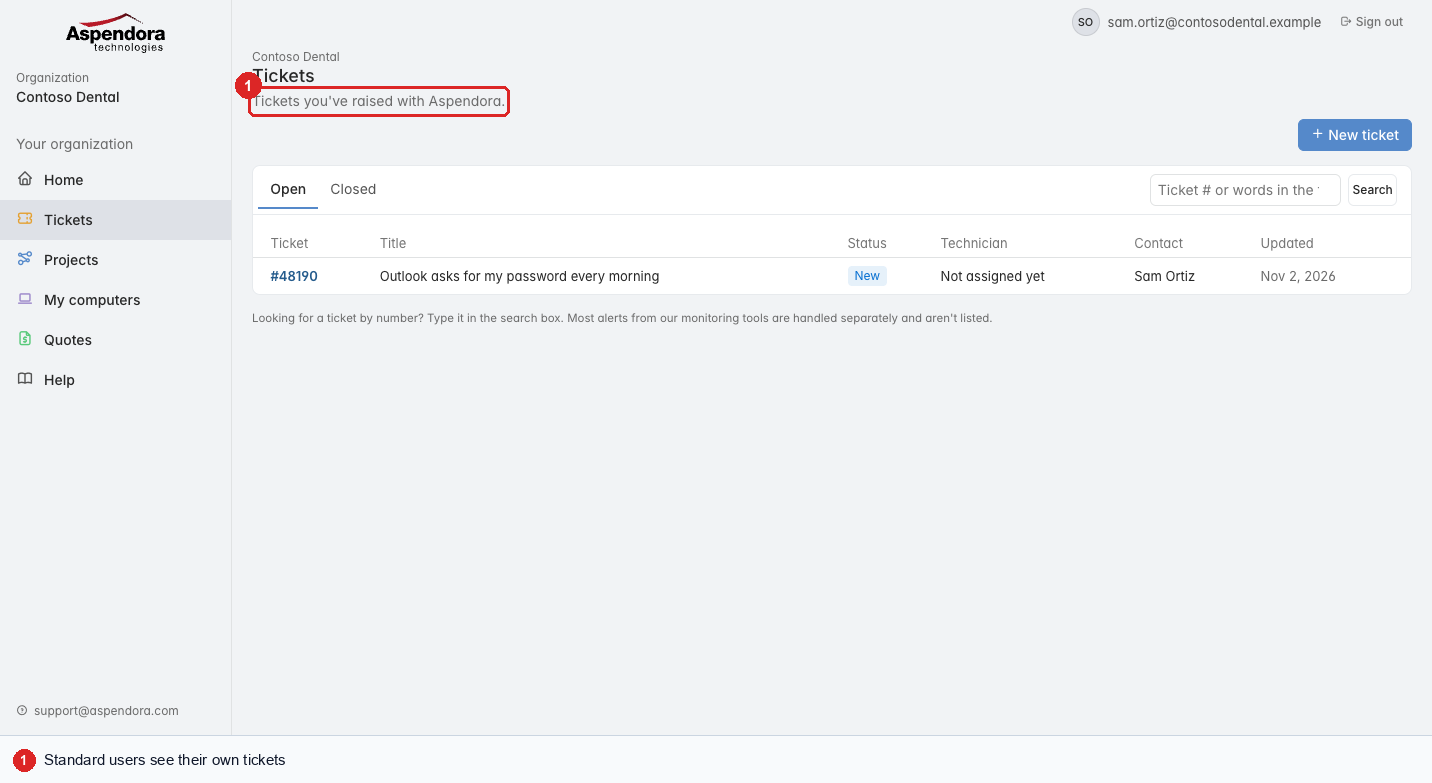
Standard users see their own tickets, plus tickets they're copied on; managers and administrators see the whole organization's.
Tickets you're copied on
If someone adds your email address to a ticket's CC list, you already get its emails. The ticket also shows on your Tickets page, marked CC'd.
Use the All, Mine and CC'd buttons above the list to choose what you see:
- All: your own tickets and the ones you're copied on.
- Mine: tickets where you're the contact.
- CC'd: only tickets you're copied on.
On a ticket you're copied on, you can read the discussion, reply and attach files while it's open. Closing and reopening it are for the ticket's contact and your organization's managers. If a ticket you're copied on is closed and still isn't fixed, ask its contact to reopen it, or raise a new ticket.
What the statuses mean
| Status | Meaning |
|---|---|
| New | We have it and will pick it up shortly. |
| In progress | Someone is working on it. |
| Scheduled | Work is booked for a set time. |
| Waiting on you | We need something from you: an answer, a test, or a time that suits you. Open the ticket and reply. |
| You replied | Your reply reached us; the technician will pick it up. |
| With a vendor | We're waiting on a supplier (Microsoft, a manufacturer, a carrier). |
| On hold | Paused, usually waiting for parts. |
| Resolved | We think it's fixed. Tell us if it isn't. |
| Closed | Finished. You can still read it and reopen it. |
Tip: most alerts from our monitoring tools are handled on a separate board and aren't listed here. Anything that needs you will be.