Choose Quotes in the menu to see proposals and service orders Aspendora has sent you.
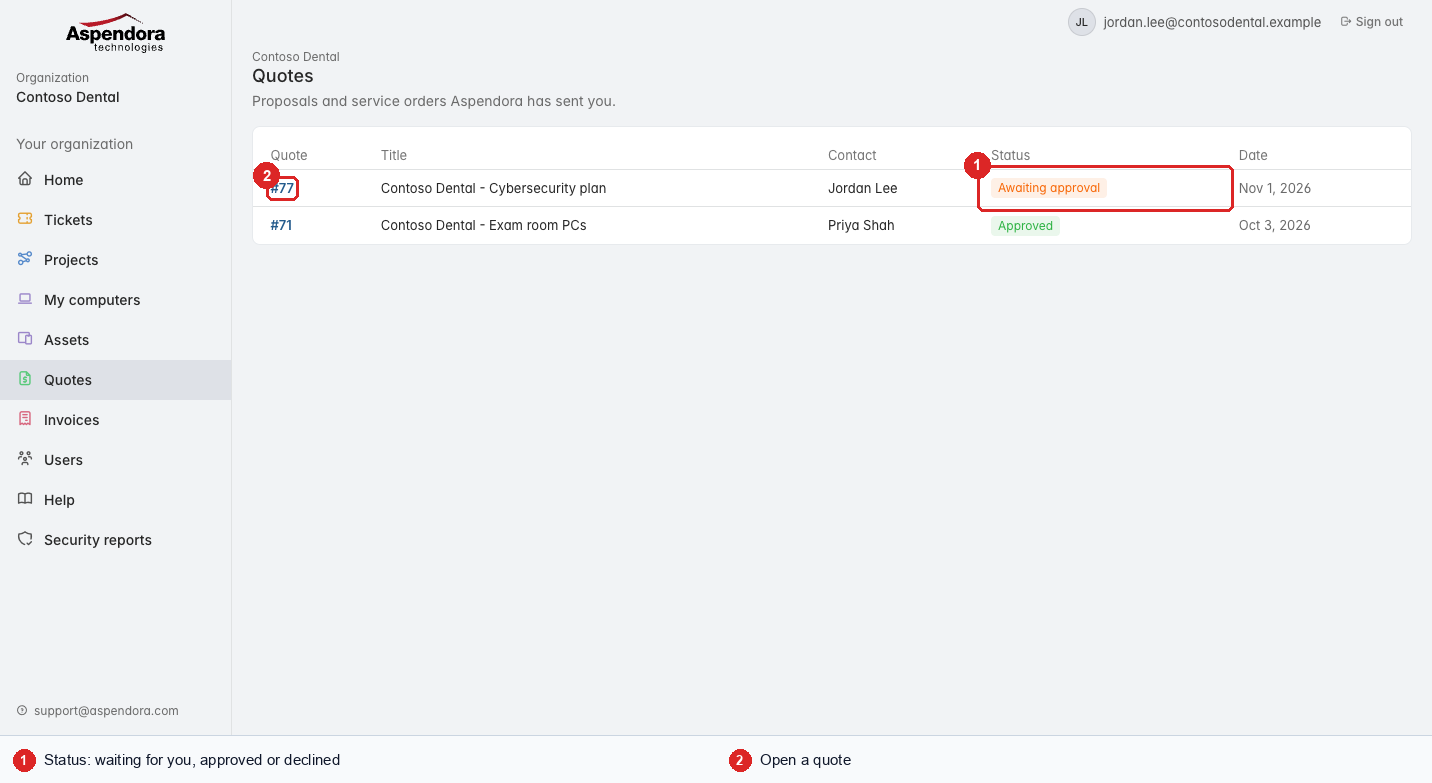
- Status: Awaiting approval (waiting for a decision), Approved, or Declined.
- Choose a quote to open it.
Reviewing a quote
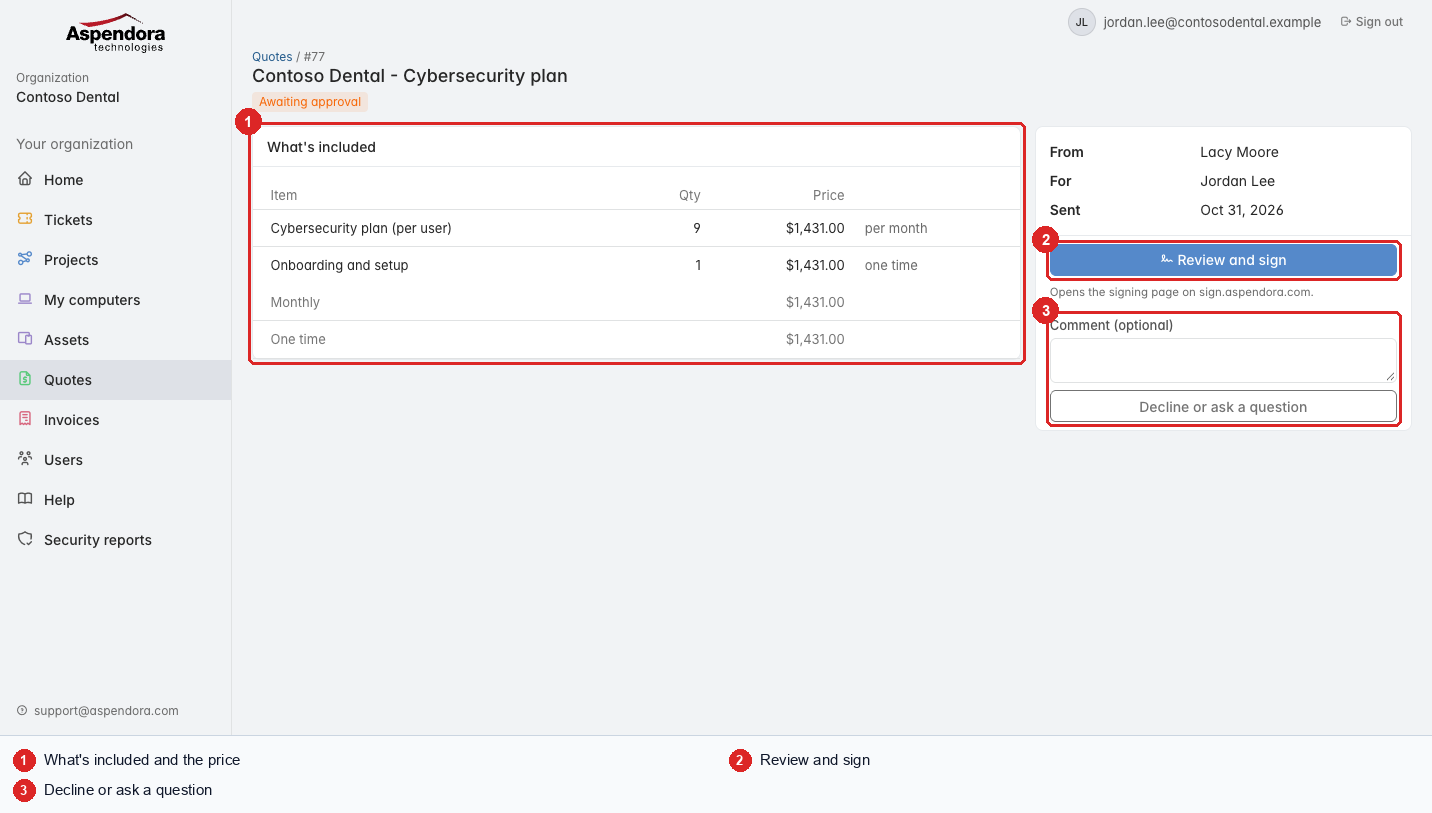
- What's included: each item, how many, and the price (monthly or one time), with totals.
- Review and sign: shown to the person the quote was sent to. It opens the signing page on sign.aspendora.com, where you read the full order and sign. The same link is also in the email we sent you.
- Decline or ask a question: write a comment and choose the button. Aspendora is told straight away.
If someone else in your organization needs to sign, the page says who; the signing link was emailed to them.
Important: the signed service order is the agreement. The portal shows a summary of the lines; read the full order on the signing page before you sign.