Go to portal.aspendora.com. You'll see two ways in.
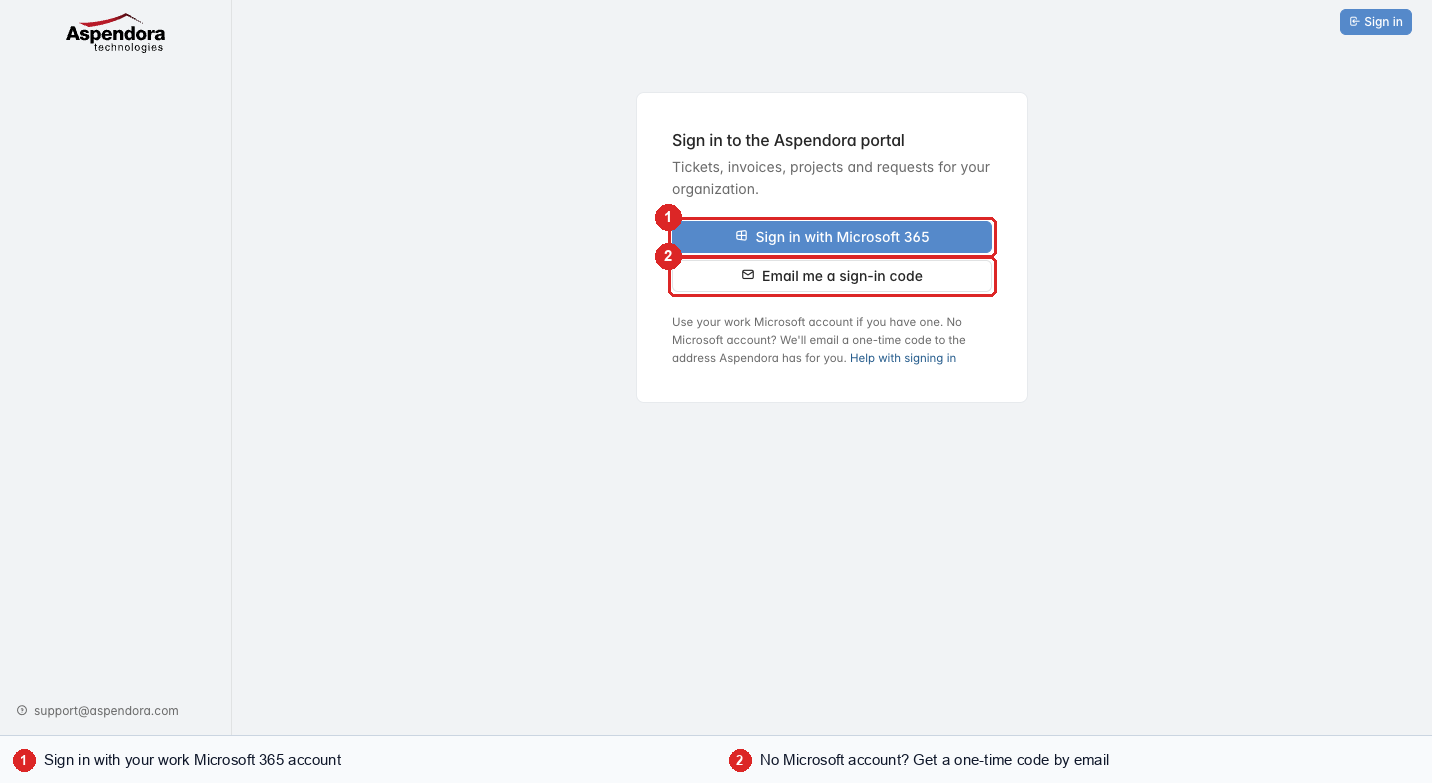
If your organization uses Microsoft 365
Choose Sign in with Microsoft 365 and use your normal work email and password. If you're already signed in to Outlook or Teams in the same browser, you're usually let straight in.
Your organization's sign-in rules apply in the portal too. For example, if your account may only be used at the office, you can sign in to the portal only from the office.
If you don't have a Microsoft 365 account
Choose Email me a sign-in code.
Codes are only for people without a Microsoft 365 account at their organization. If your address is a Microsoft 365 account, or your organization uses Microsoft 365 only, you'll be asked to Sign in with Microsoft 365 instead.
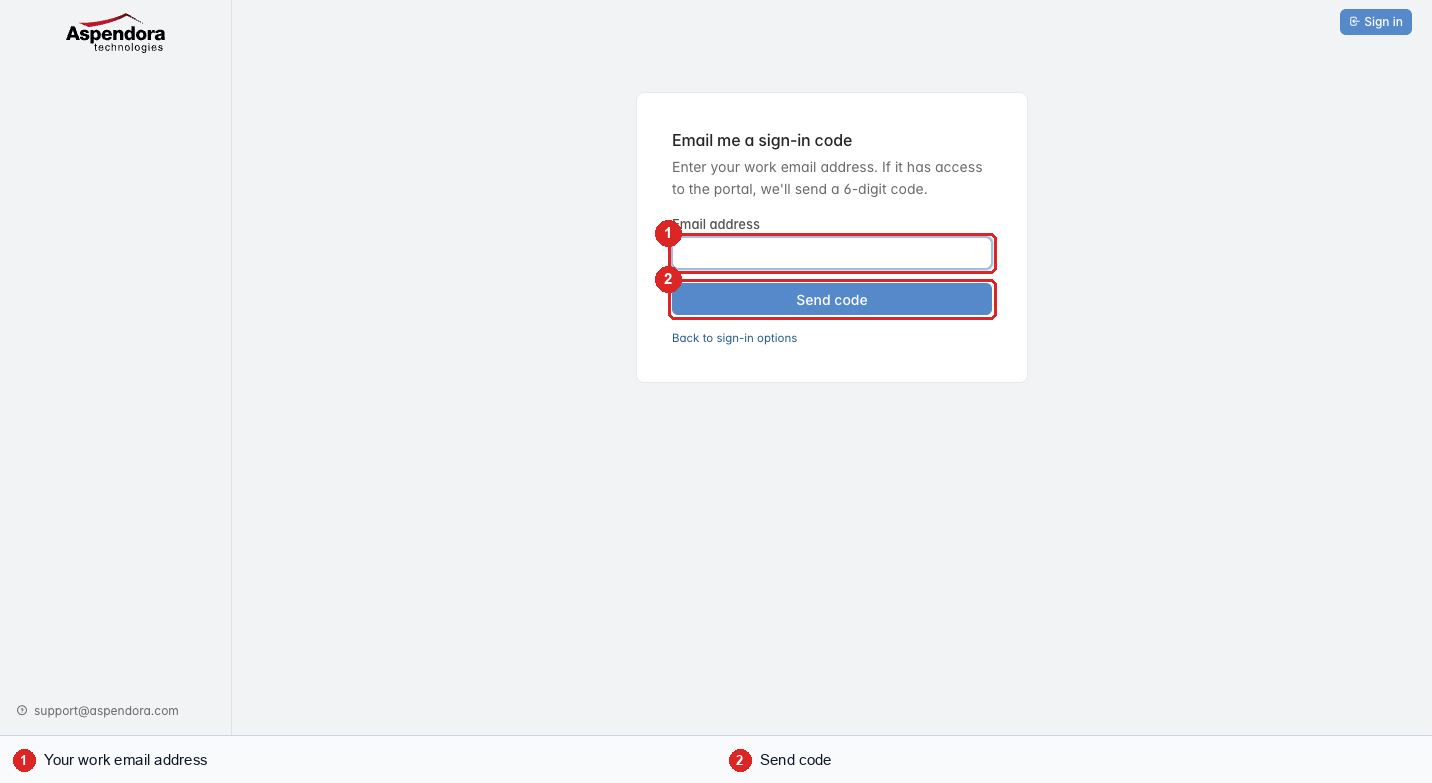
Enter your work email address and choose Send code.
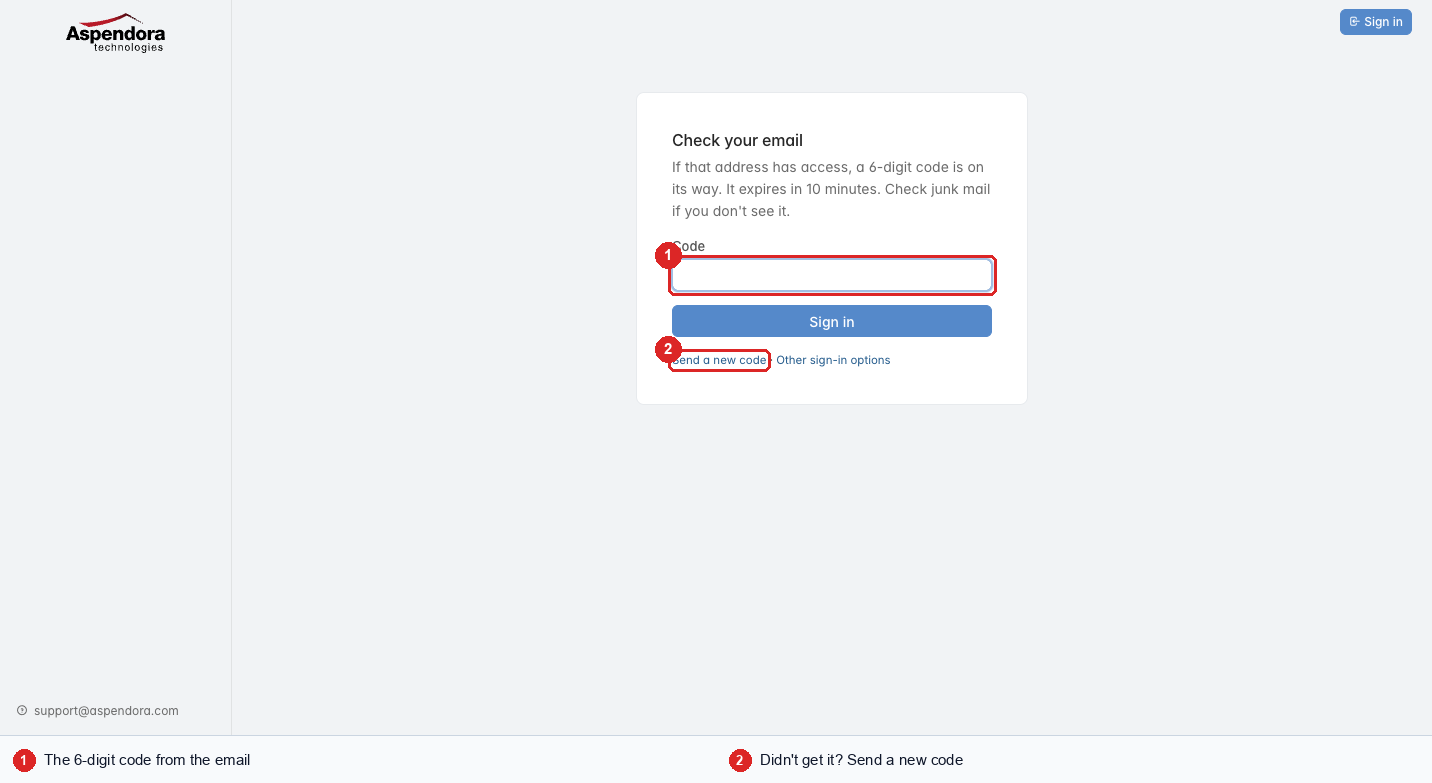
Check your email for "Your Aspendora portal sign-in code" from portal@aspendora.com. It usually arrives within a minute. Look in junk mail if you don't see it.
Type the 6-digit code and choose Sign in.
About the code:
| Works for | 10 minutes, once |
| Wrong guesses allowed | 5, then request a new code |
| New codes | up to 5 an hour for the same address |
If your email address has access to more than one organization, you'll be asked which one to open.
Important: we never ask for your code by phone or email. Nobody at Aspendora needs it. If you didn't ask for a code, ignore the email: nobody can sign in without it.
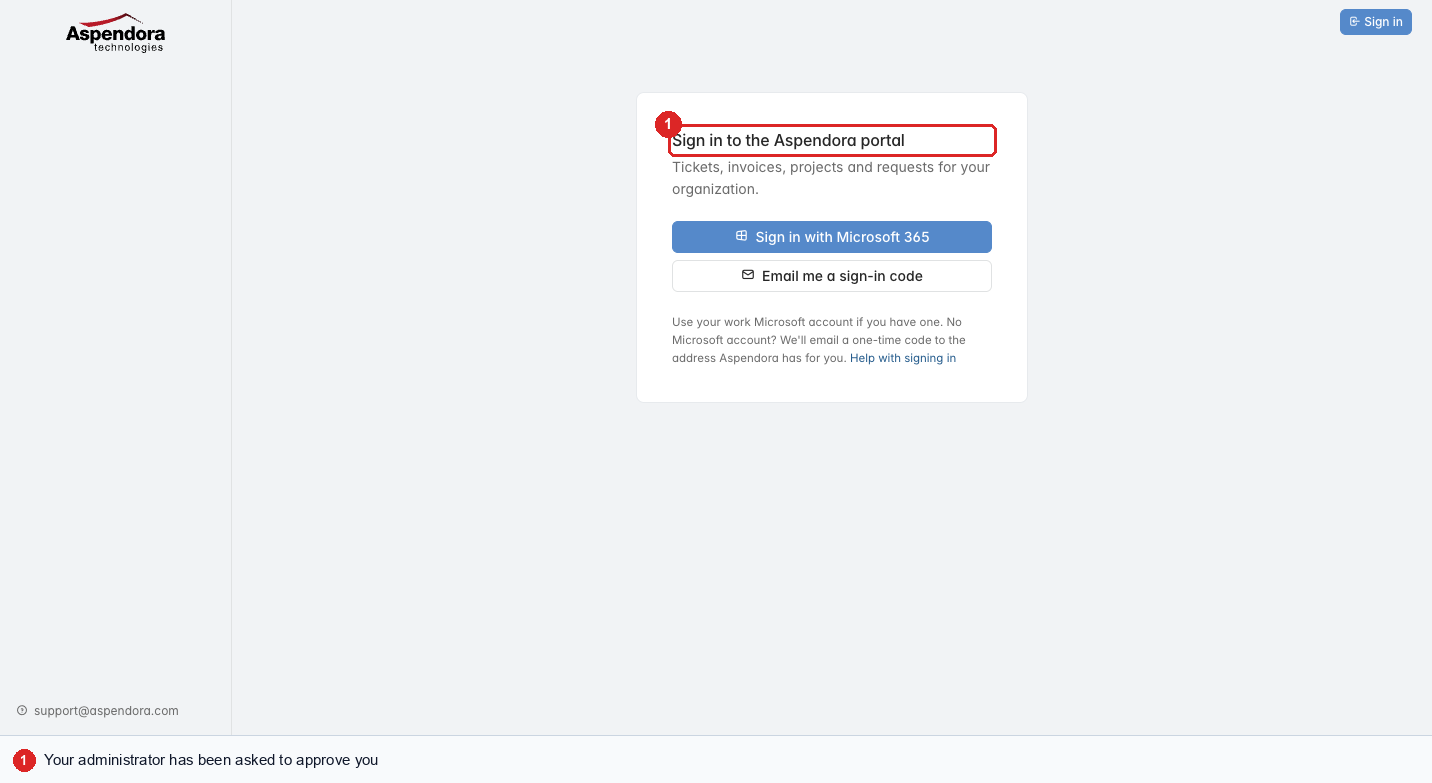
"You don't have access yet"
If you sign in and see this message, your organization's portal administrator has been asked to approve you. You'll get an email when they do.
In a hurry? Email support@aspendora.com or call 281-941-4028.
Signing out
Choose Sign out at the top right. On a shared computer, always sign out and close the browser.
Who can sign in
- Anyone your organization's administrator has invited.
- Anyone Aspendora already had down as able to use the old ConnectWise customer portal (they start as a standard user).
- People added by Aspendora.
Everyone else can ask: just try to sign in, and your administrator is told.